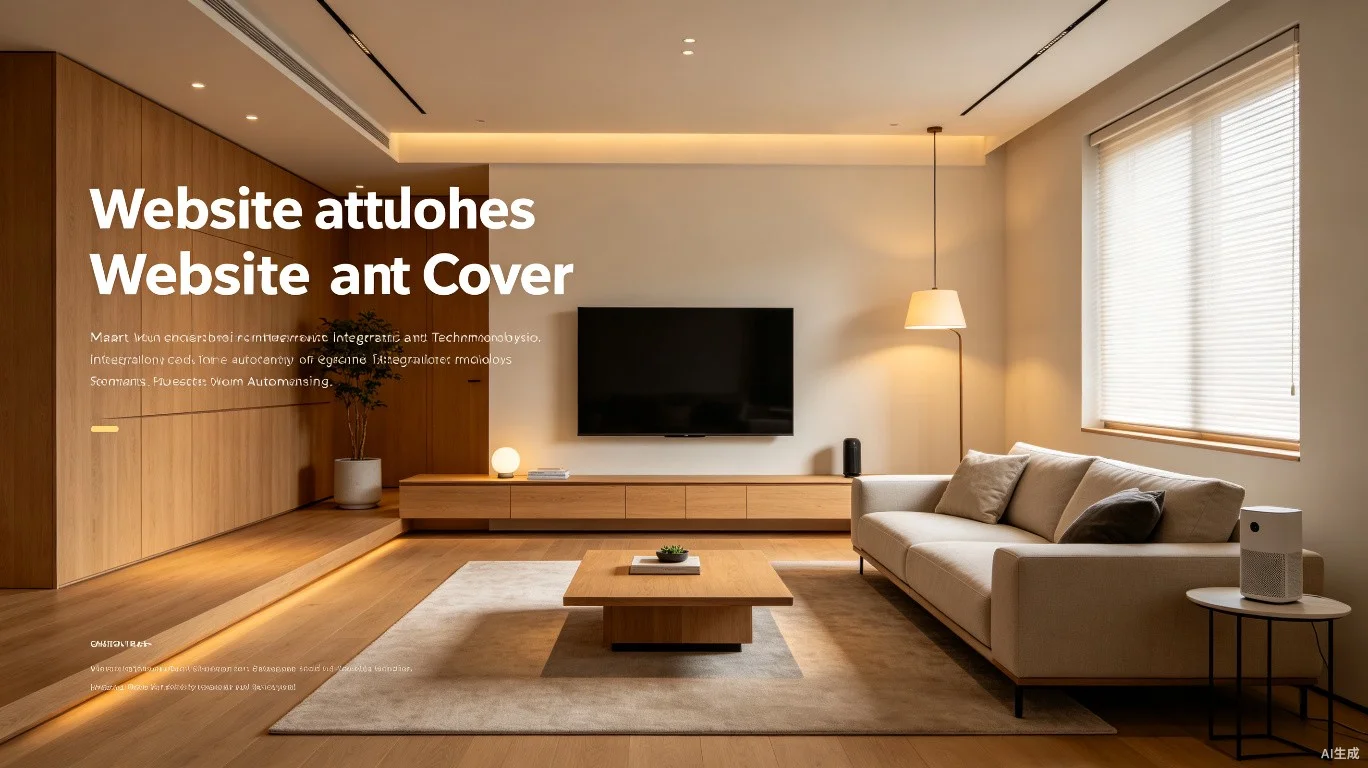

Smart home technology has evolved from novelty to necessity, and the living room -- as the central gathering space of the home -- benefits most from thoughtful integration. A well-designed smart living room enhances comfort, convenience, entertainment, and even energy efficiency without sacrificing aesthetics. Here are fourteen professional tips for creating a seamlessly connected living room.
Smart Lighting Design
1. Start with smart lighting as the foundation of your living room automation. Install dimmable smart bulbs or smart switches throughout the space, prioritizing layers: ambient lighting from ceiling fixtures, task lighting near seating areas, and accent lighting for artwork or architectural features. A well-programmed smart lighting system can create distinct scenes for movie watching, entertaining, reading, and relaxation with a single voice command or tap.
2. Program circadian rhythm lighting to automatically adjust color temperature throughout the day. Set bulbs to emit cooler, energizing light (4000K-5000K) in the morning and warmer, relaxing light (2700K-3000K) in the evening. Research shows that this natural light progression improves sleep quality and daytime alertness, transforming your living room into a space that actively supports your well-being.
3. Use motion sensors strategically, but sparingly, in living rooms. Place sensors only in transitional areas like entry points rather than the main seating zone to prevent lights from turning off while you are sitting still watching a movie. Combine motion sensors with light sensors so lights activate only when natural light falls below a comfortable threshold.
Voice Control and Smart Assistants
4. Position smart speakers for optimal voice pickup while maintaining visual harmony. Place devices at least 8 inches from walls to minimize sound reflection and ensure they are not hidden behind furniture that blocks the microphones. For open-plan living rooms, consider a multi-speaker setup that provides both stereo music and redundant voice pickup coverage across the entire space.
5. Create custom voice routines that chain multiple actions into single commands. A "movie night" routine could dim the lights to 20%, lower motorized blinds, turn on the TV and sound system, and switch to the streaming input -- all triggered by saying "Hey Google, movie night" or "Alexa, it's showtime." The goal is to make technology disappear behind the experience.
6. Integrate smart displays as both control hubs and digital photo frames. A Google Nest Hub or Amazon Echo Show on a side table can display family photos as artwork when idle, then transform into a control panel for lights, thermostats, and cameras with a touch. Choose devices with adaptive brightness sensors that automatically match the display intensity to ambient room light.
Entertainment Integration
7. Use a universal smart remote or hub to unify control of your TV, soundbar, streaming devices, and game consoles. Devices like the Logitech Harmony Hub or BroadLink RM4 can control infrared-based electronics through your phone or voice commands, eliminating the coffee table clutter of multiple remotes. Program activities that power on the correct devices and switch to the right inputs with a single command.
8. Invest in HDMI-CEC enabled devices and ensure the feature is enabled on all components. HDMI-CEC (Consumer Electronics Control) allows devices connected via HDMI to communicate and control each other. With CEC properly configured, turning on your streaming device can automatically power on your TV and switch to the correct input, creating a simpler, more intuitive experience for everyone in the household.
9. Mount your TV at the optimal height -- the center of the screen should be at eye level when seated, typically 42-48 inches from the floor for most sofas. If you are using a soundbar, ensure it does not block the TV's IR receiver. For a truly clean look, run all cables through the wall using an in-wall cable management kit rated for in-wall power and AV cables.
Automated Climate and Comfort
10. Place a smart thermostat sensor or temperature sensor in the living room, as this is where you spend the most waking hours at home. Many smart thermostats support remote sensors that can prioritize the living room temperature over the hallway where the main thermostat is typically installed. This ensures the space you actually occupy is always at your preferred temperature.
11. Integrate motorized window treatments into your smart home system. Automated blinds or curtains can be programmed to open with the sunrise to welcome natural light, close during the hottest part of the day to reduce cooling costs, and close at sunset for privacy. Z-Wave or Zigbee compatible motors can integrate directly with most smart home hubs without additional bridges.
Safety and Convenience
12. Install a smart smoke and carbon monoxide detector in or near the living room, especially if you have a fireplace. Devices like the Google Nest Protect not only sound an alarm but also send alerts to your phone and can integrate with smart lights to flash red as a visual warning. They also perform automatic self-tests and provide voice alerts about the location and type of danger detected.
13. Use smart plugs to add basic automation to non-smart devices like floor lamps, fans, or holiday decorations. Smart plugs are the most affordable entry point into home automation and can be controlled via app, voice, or schedules. Choose plugs with energy monitoring to track power consumption of entertainment equipment and identify devices drawing power unnecessarily when turned off.
14. Secure your smart home network with a dedicated IoT network or VLAN. Keeping your smart home devices on a separate network from your computers and phones limits the damage if a smart device is compromised. Use a strong, unique password for your Wi-Fi and smart home accounts, enable two-factor authentication wherever available, and regularly review which devices and services have access to your smart home system.